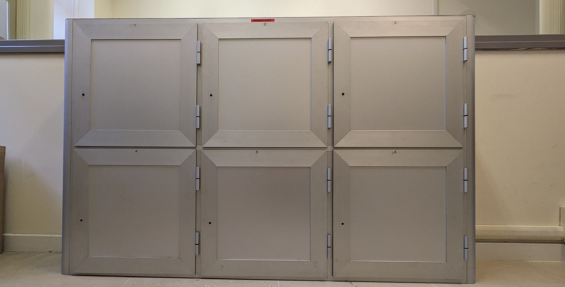
LOCKERS
Users can take advantage of 6 lockers for the storage of personal belongings, booking them directly from the personal area of the Sapienza Catalog and showing a valid identification document when collecting the key.
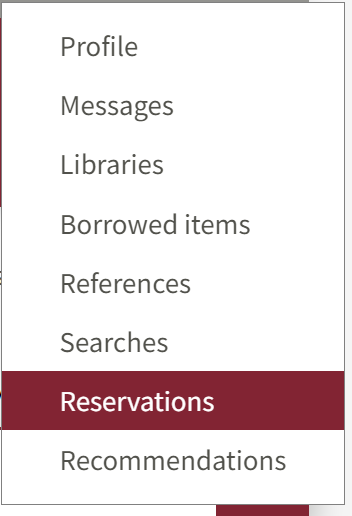
1 - After logging in with your credentials on the Sapienza Catalogue platform, from the drop-down menu that appears under the username, select RESERVATIONS.
2 - From the menu on the right, click on "MAKE A NEW RESERVATION".

3 - Select "LOAN DESK AND OTHER SERVICES

4 - From the drop-down menu, select "BIBLIOTECA DI INGEGNERIA INFORMATICA, AUTOMATICA E GESTIONALE ANTONIO RUBERTI"

5 - Select "ARMADIETTI EFFETTI PERSONALI"
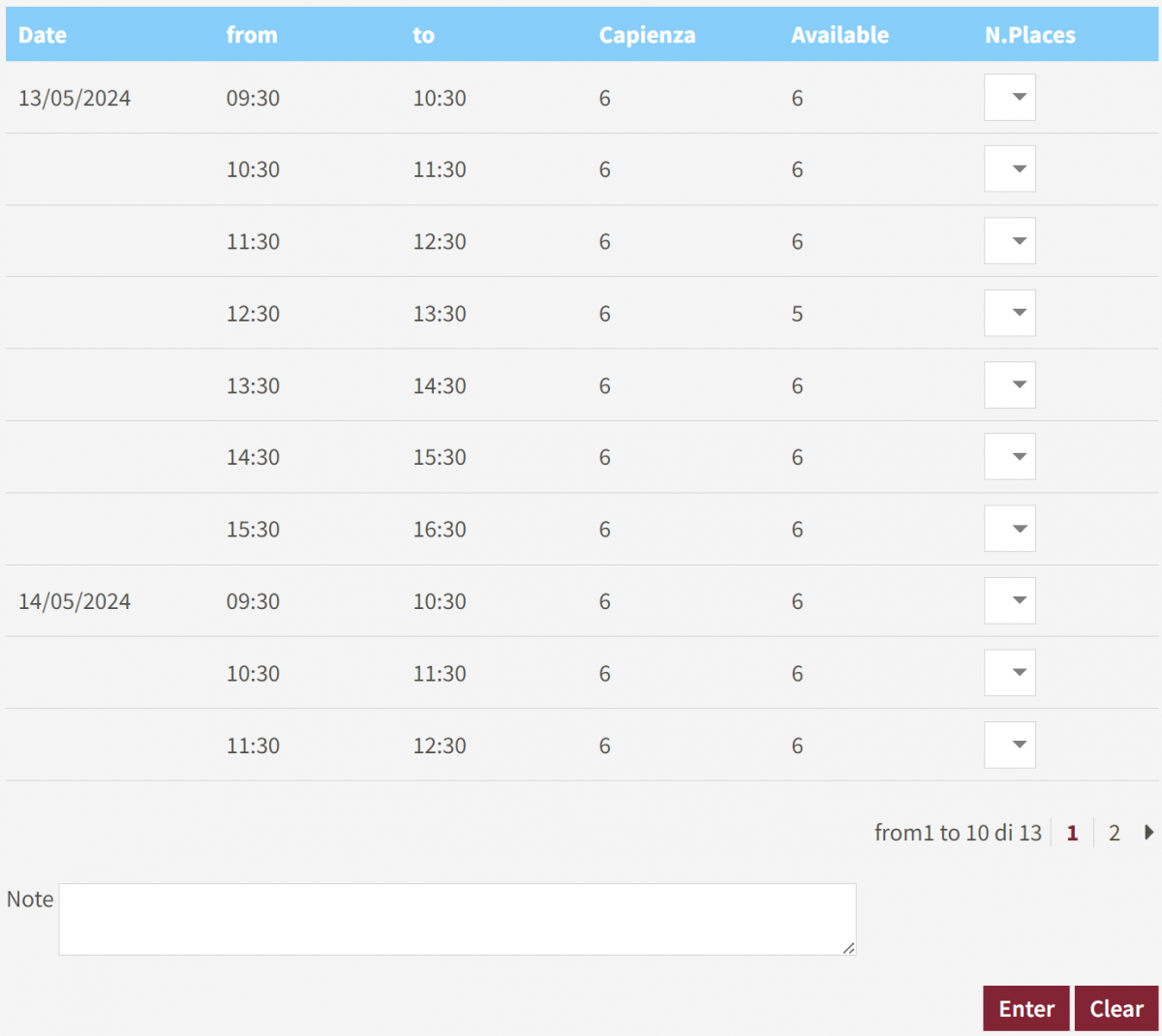
6 - Select the date and time